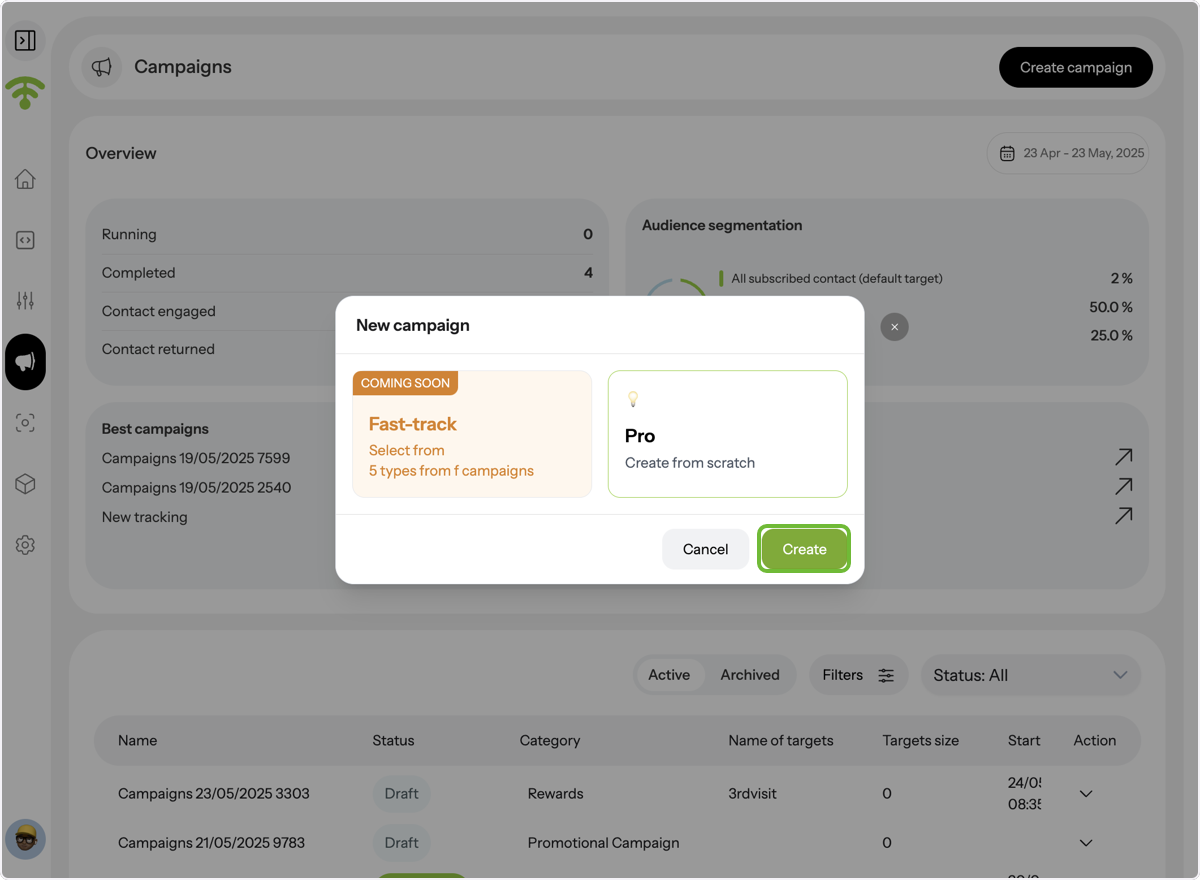
Manage all your campaigns in one place. Easily create new campaigns, schedule sends, and use smart segmentation to target the right guests. Access existing campaigns to view, edit, or duplicate them and track performance through real-time open rates, clicks, and engagement insights.
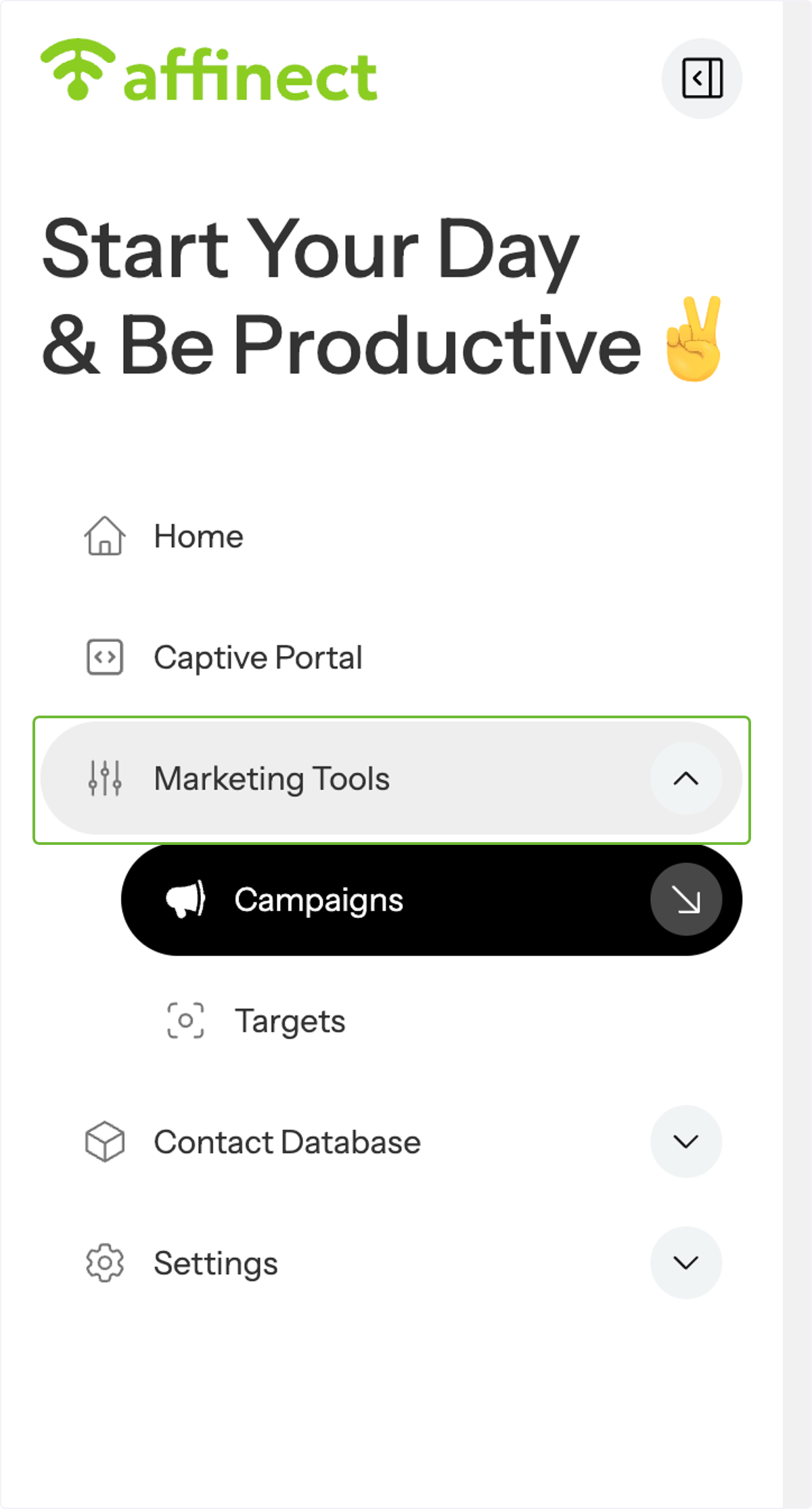
Go to Marketing Tools.
From the dashboard, click on Marketing Tools in the main menu.
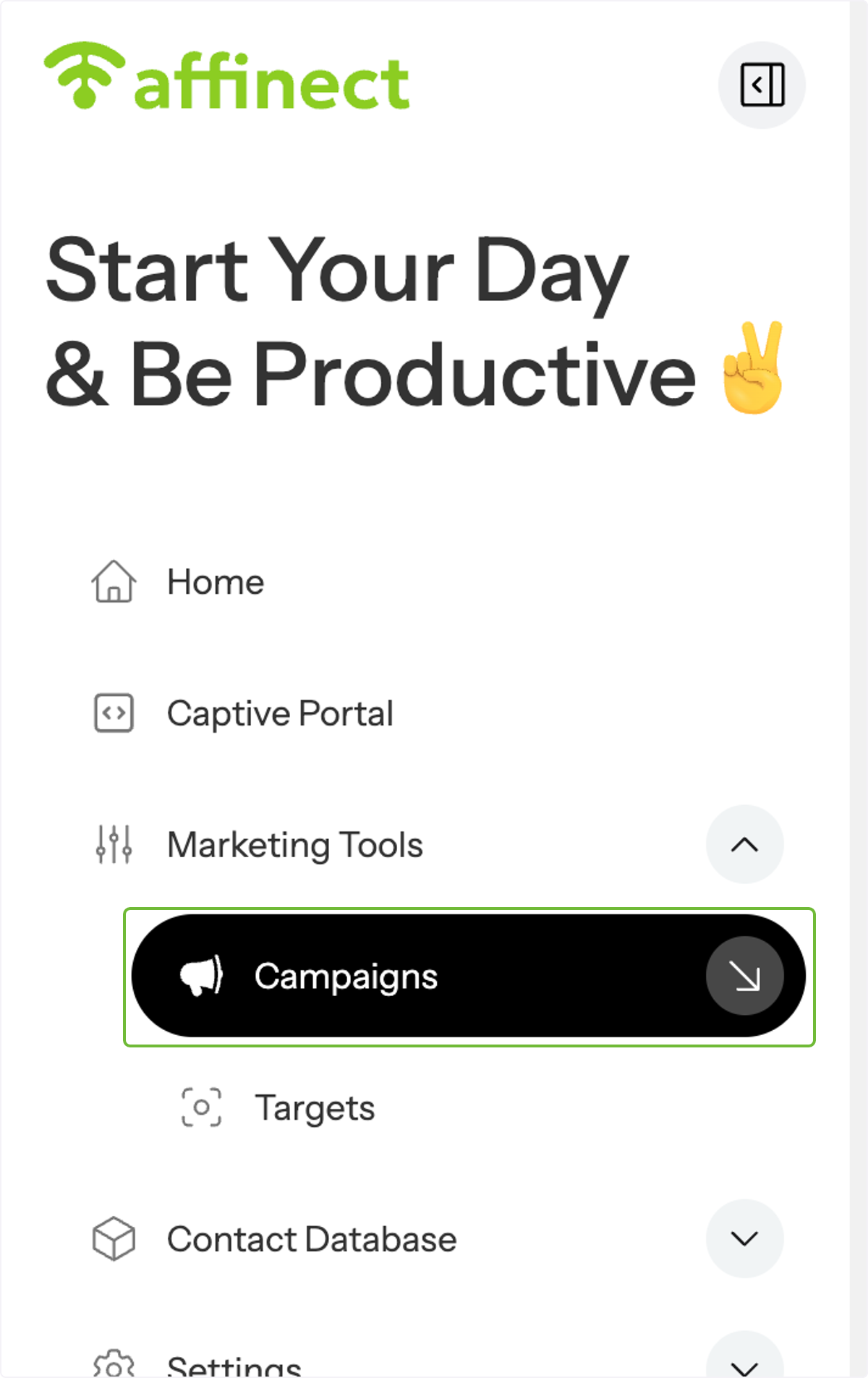
Select Campaigns.
Click on Campaigns to open the full campaign management section.
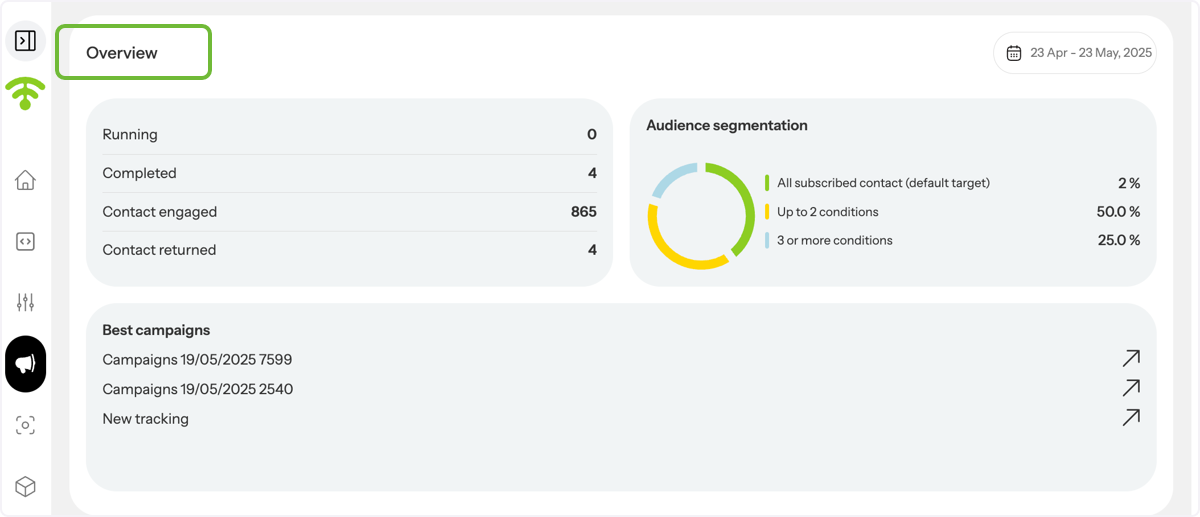
View Campaign Overview
You'll see a list of all your campaigns, along with key stats and performance summaries.
Access Campaign Options
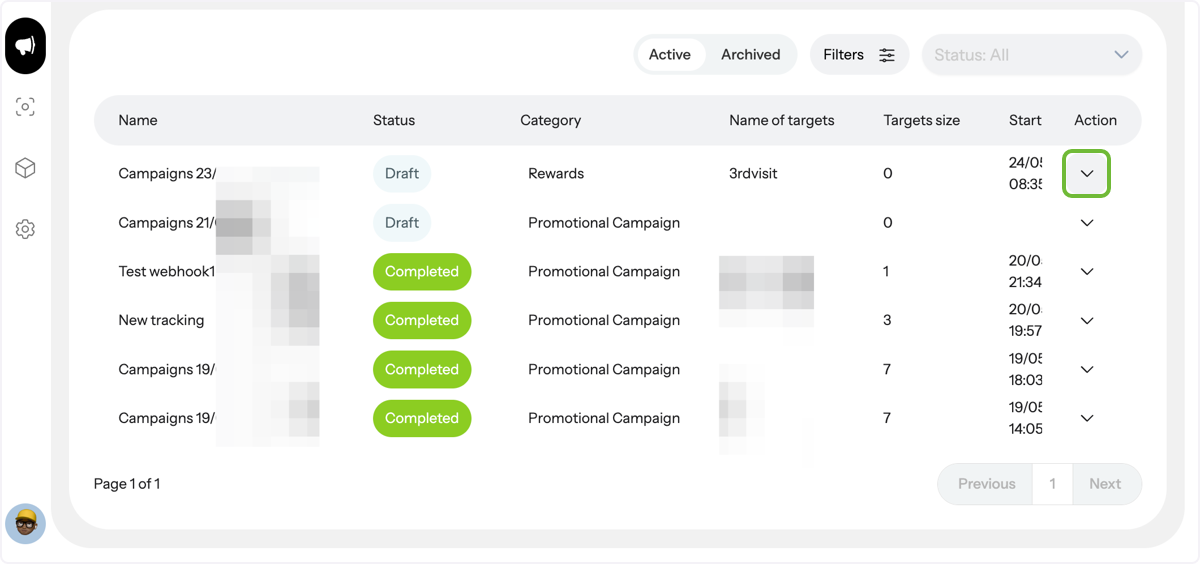
To manage a specific campaign, click the Actions dropdown next to it.
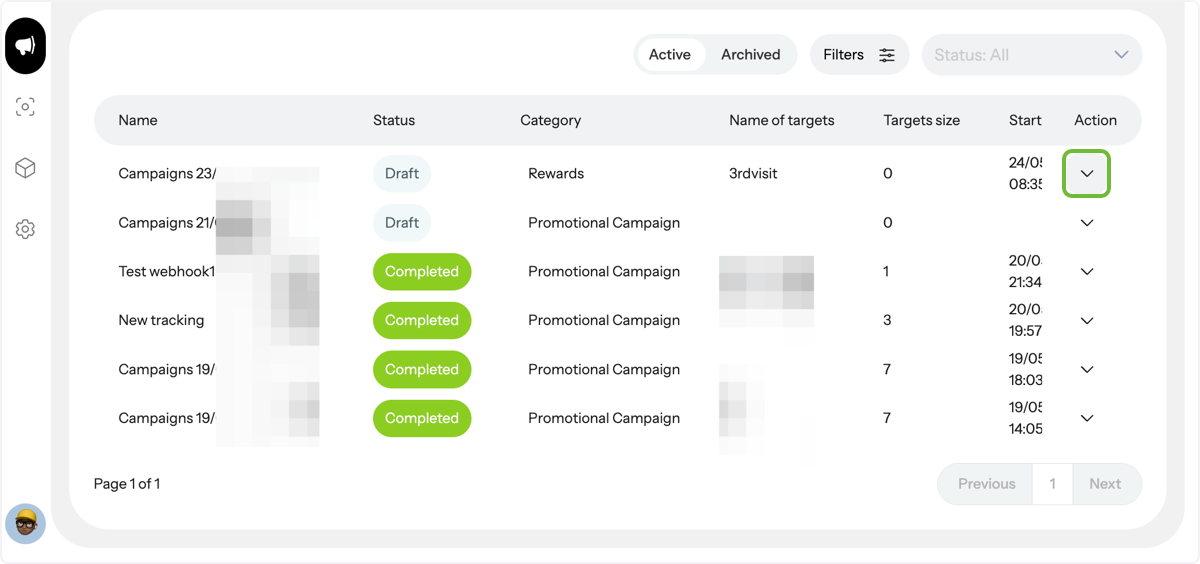
Access Campaign Options
To manage a specific campaign, click the Actions dropdown next to it.
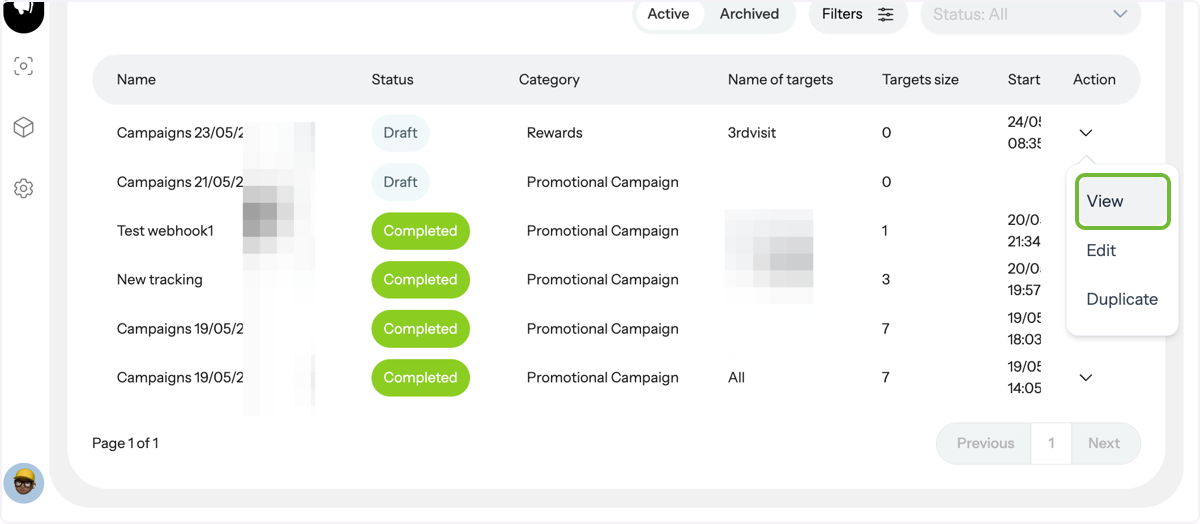
View, Edit, or Duplicate
From the dropdown, you can view, edit, or duplicate the campaign easily.
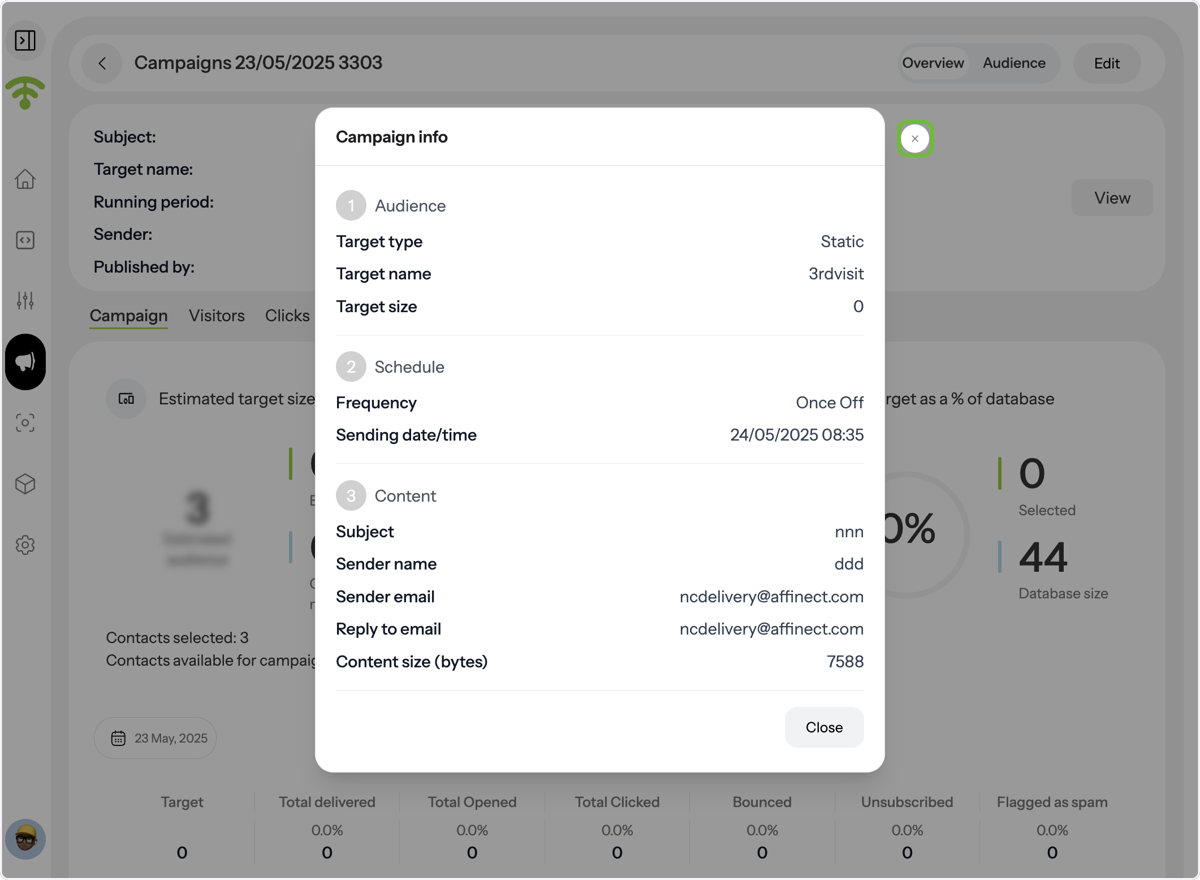
Detailed Insights
Click View to see full campaign details and performance metrics, including delivery stats and open rates.
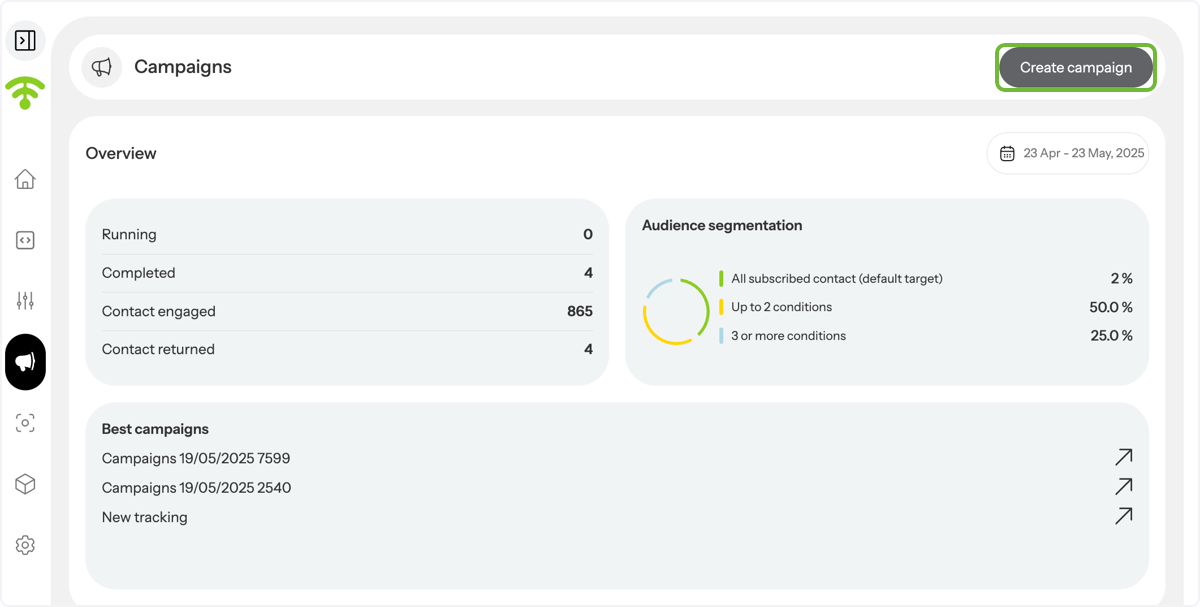
Start a New Campaign
Click the Create Campaign button at the top right corner of the page.
Choose a Creation Method
Select Create from Scratch to build a new campaign with your own content, audience, and settings.